Schrack Integration Plugin
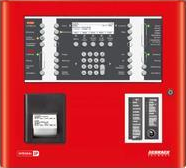
Complete integration of Schrack Seconet fire detection panels into Genetec Security Center. Building floor plans (DWG) become live maps, with detectors, buttons, pumps and doors monitored in real time, automatic building-wide alarms and audit reports — all from a single security platform.
Why Schrack Integration Plugin?
Fire joins access control and video in the same platform — one operator, one screen, instead of a separate fire system to watch.
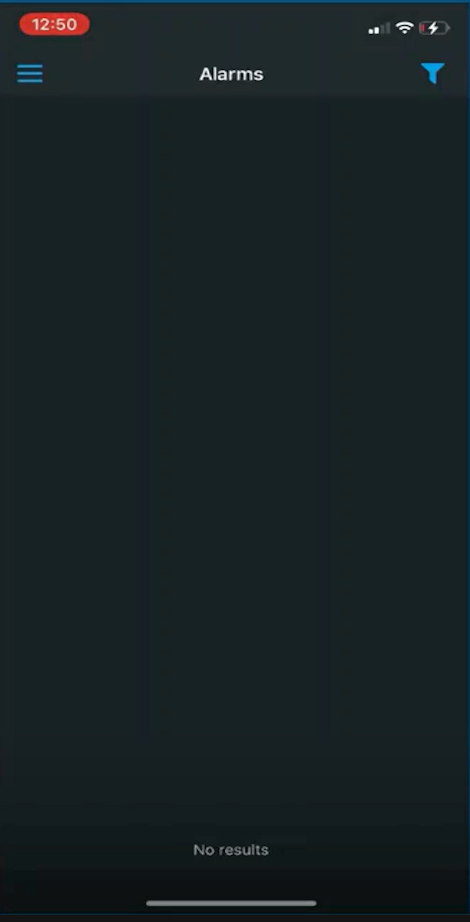
Comes with Genetec's own mobile app, so fire status can be checked remotely from a phone, the same way as any other Security Center alarm.
One interface for fire, access control and video — nobody has to switch systems or learn a second tool during an emergency.
Both an interior map for every floor and a site map for the whole campus — the exact location of an event, indoors or outdoors, at a glance.
What the plugin offers
Direct connection to Schrack panels
Connects natively over Schrack's own ISP-IP protocol — as many panels as you need, including master panels that oversee several sub-panels.
Automatic import from a DWG plan
Every zone, detector, button, pump and door is created automatically from your building plan — nothing to set up by hand.
Live maps in Security Desk
Every floor becomes an interactive map; the operator instantly sees the exact location of every fire event.
Complete alarm coverage
Not just fire — a lost panel connection raises its own alarm, and every element state is covered with built-in alarm logic.
Reports & audit
Full status reports and event history, ready to export for audits and compliance.
Centralized site map
One overview map of the whole site, showing every building's alarm status at a glance.
See it in action
Click the manual call point or a detector below to simulate a live event, exactly as it would appear on the Security Desk maps.

Fire brigade phone
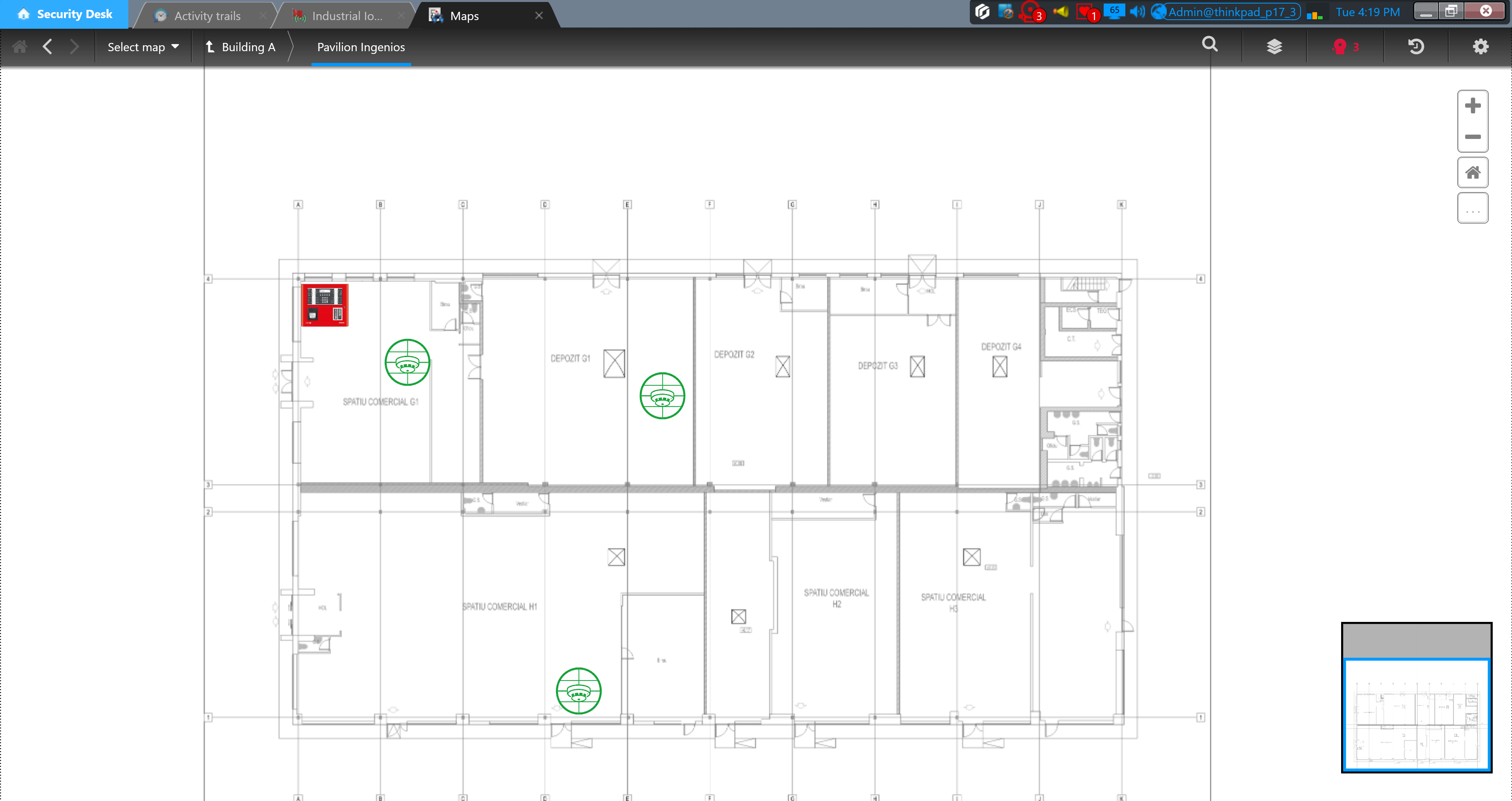
Interior map
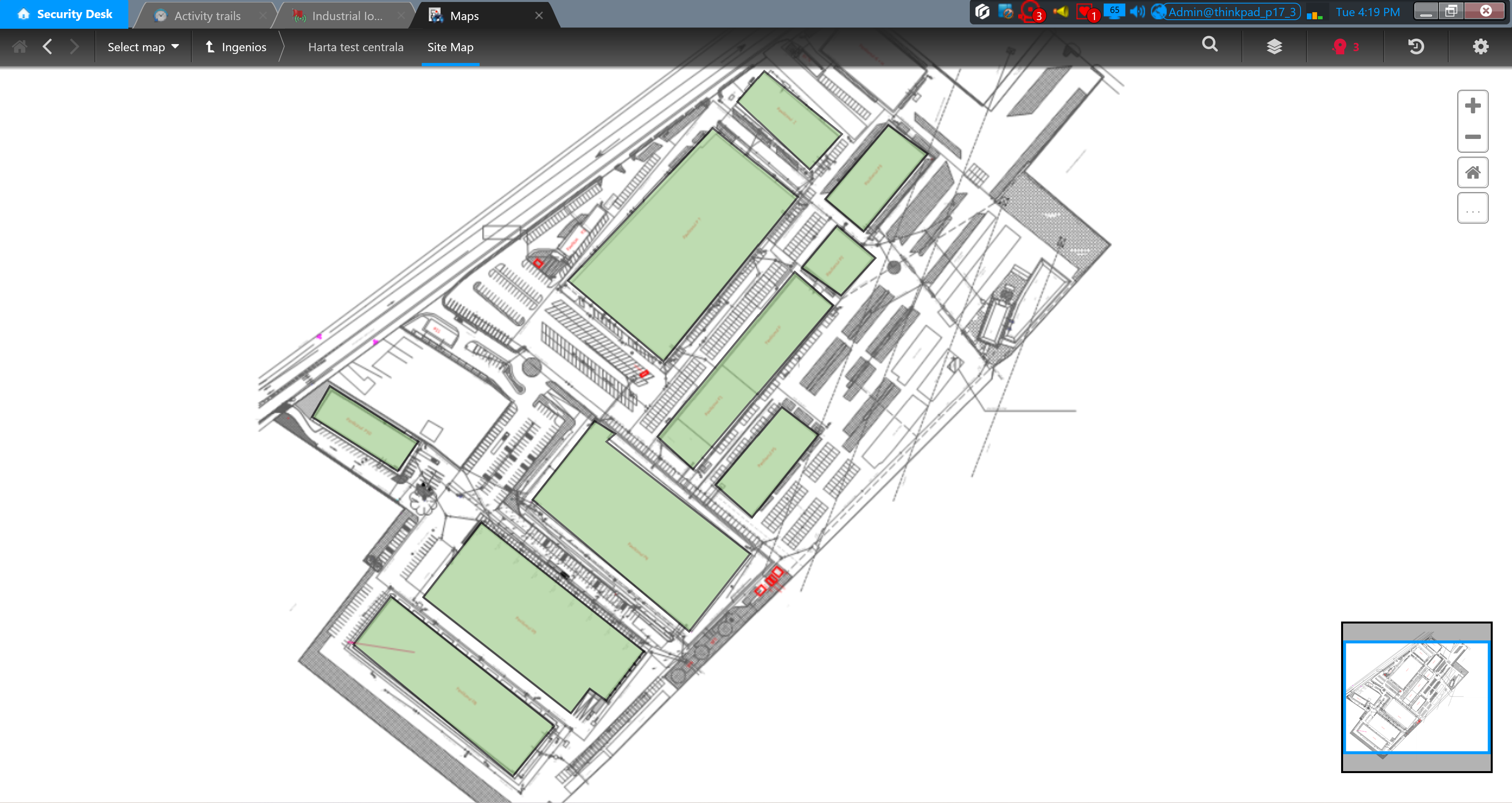
Site map
Maintenance phone
How it works — in 4 steps
Connect the panel
Enter the SFACP IP address and credentials directly in the "Schrack Panels" tab. The plugin establishes the TCP/IP connection and shows the live status.
Upload the DWG plan
The building plan, structured according to the guide (standard-named blocks + the SCHRACKTYPE attribute), is imported with a single click.
Elements are created automatically
The plugin recognizes each block, creates the corresponding Genetec entity and positions it on the map, at the exact location from the plan.
Monitor live in Security Desk
States, alarms and event history appear immediately, and compliance reports are available at any time.
Recognized equipment types
Composite equipment — doors, smoke hatches, dampers — comes with built-in alarm logic, including opening-time timers, to keep false alarms to a minimum.
Licensing — elements above the standard cap
Every base Schrack Integration Plugin license includes monitoring for 49 Schrack elements. For larger installations, capacity is extended through additional licenses, calculated based on the total number of elements managed by the plugin.
| Total number of Schrack elements | License price |
|---|---|
| 50 – 299 elements | EUR 200 |
| 300 – 599 elements | EUR 300 |
| 600 – 999 elements | EUR 500 |
| 1,000 – 1,999 elements | EUR 700 |
| 2,000 – 3,999 elements | EUR 1,200 |
| 4,000 – 5,999 elements | EUR 2,000 |
| 6,000 – 9,999 elements | EUR 2,500 |
| 10,000 – 19,999 elements | EUR 3,500 |
| 20,000+ elements | EUR 6,000 |
Prices are in EUR, including VAT, per license, for the total number of elements managed by the installation (not per individual element above the 49 included by default).